


FAQ Center.
How to access my Income Report?
Generally, our income report is made available at the end of February, more precisely in the last week. When available, you can access your Report through the website or app by following these steps:
🖥️ Website
1
Go to https://www.oliveiratrust.com.br/investidor and click the “Login” button in the upper right corner.2
Enter your login credentials, check the 'I'm not a robot' option and click Sign In.3
In Quick Access, click on the 'Income Report' option.4
Select the year for which you want to download the report.5
Click the icon on the right to download the income report.6
After downloading the Income Report, open the document using your CPF or CNPJ (numbers only) as the password.📱App
1
Click on 'My Data' and log in to the app.2
In 'More' click on 'Income Reports'.3
Select the year for which you want to download the report.4
Click the icon on the right to download the income report.5
After downloading the Income Report, open the document using your CPF or CNPJ (numbers only) as the password.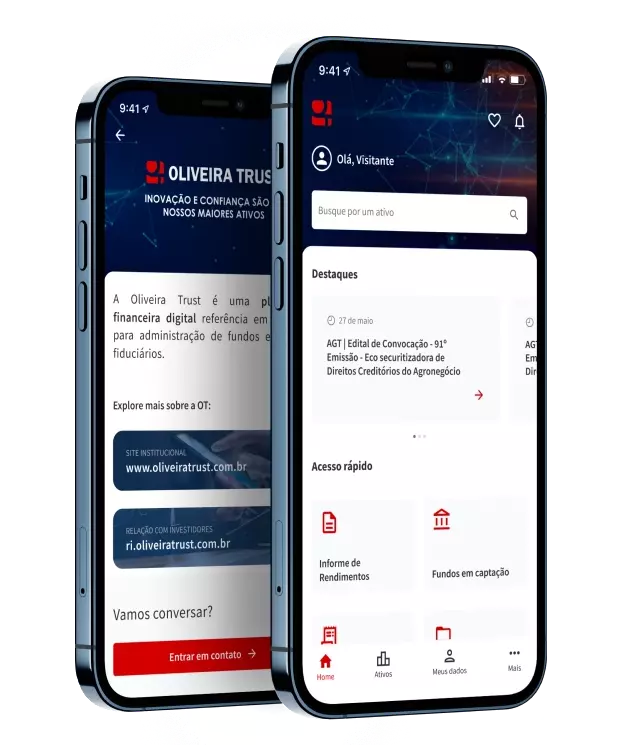
OT Investor App
Convenience and practicality in your daily life
Check characteristics, prices and other data of all securities in which we act as Trustee and Fiduciary Administrator through the OT Investor App. Available in mobile and web versions.